
Static vs Dynamic QR Code: Which Should You Use?
Compare static and dynamic QR codes by editing, scan tracking, analytics, cost, privacy, expiration, service dependency and long-term maintenance.
The essential difference
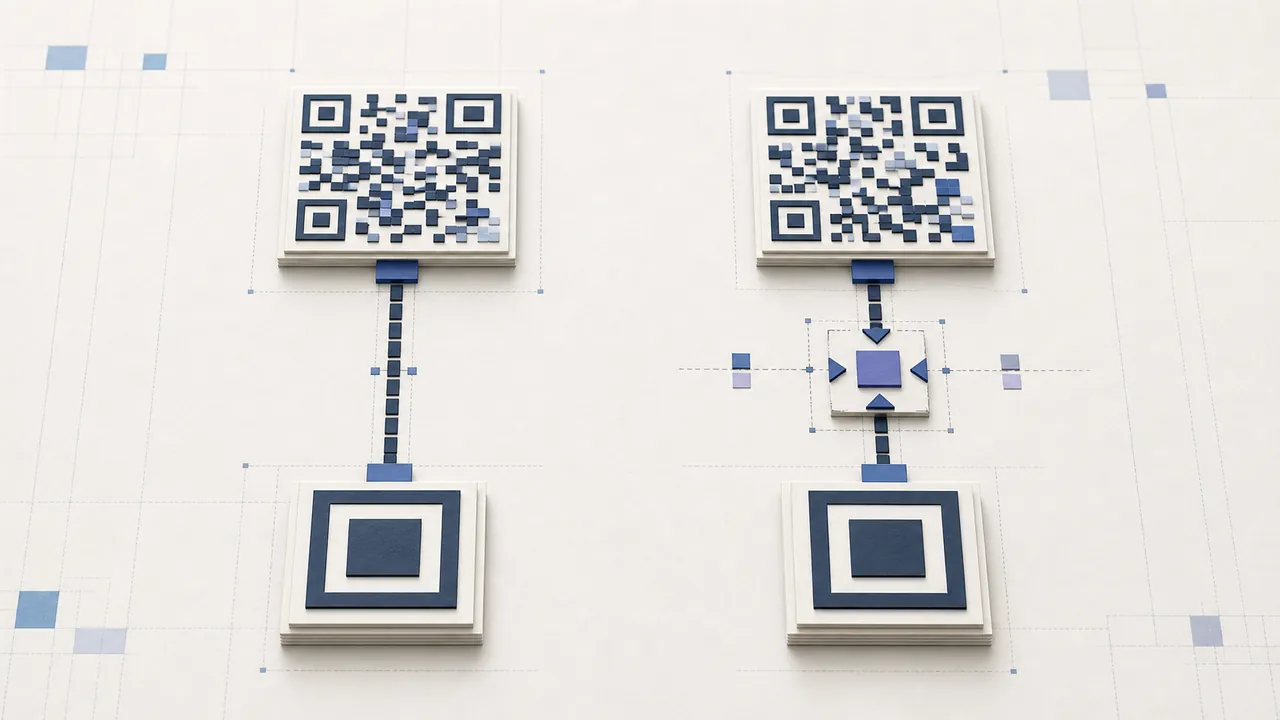
In a static vs dynamic QR code decision, the visible symbol can follow the same QR standard. The difference is the payload and service behind it. A static code stores the final text or URL directly. A dynamic code usually stores a managed short link that redirects to an editable destination and can record scan events.
Static output is independent after download and cannot be edited. Dynamic output supports destination changes and tracking but depends on the redirect domain, saved record, account, policy, and service remaining available.
Static QR code
A static URL code might directly contain https://example.com/menu. Every scanner returns that address. To change it, generate and distribute a new pattern or keep the same website path and update its page on your own server. Plain text, Wi-Fi, contact, phone, and email payloads can also be static.
Static generation is appropriate when the value is final, an external service dependency is undesirable, and analytics are unnecessary. It has no account-level expiry. The physical image and destination still need maintenance.
Dynamic QR code
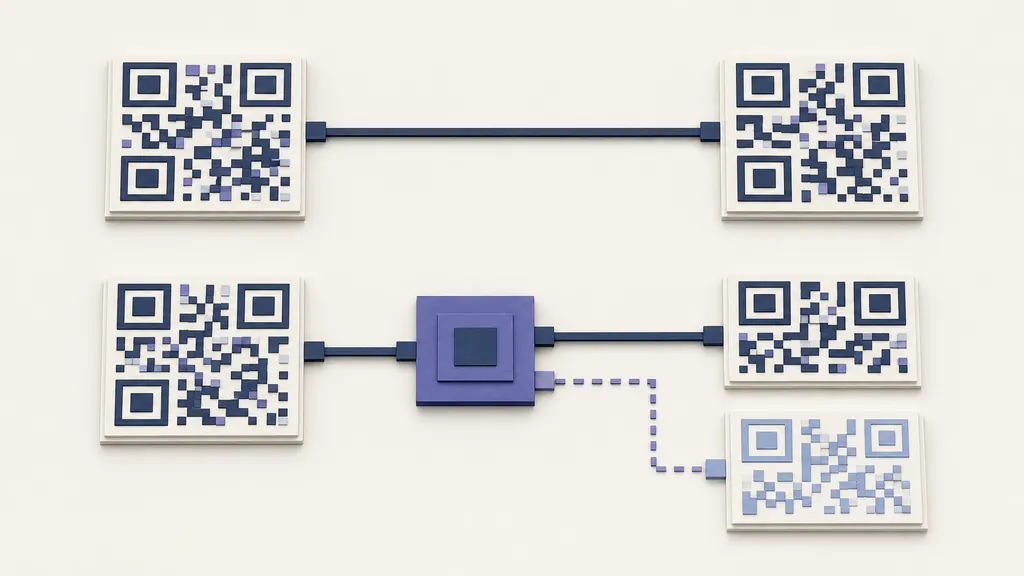
A dynamic code might contain https://qrbarcode.app/r/example. The redirect record decides where that short link leads today. An authorized owner can change the destination after printing. The service may record approximate events such as time and request context before redirecting.
That editable QR requires sign-in because a server must save ownership and settings. It can stop resolving if deleted, disabled, suspended, or affected by service or domain failure. “Permanent” applies only while that operational chain is maintained.
Static vs dynamic QR code comparison
| Question | Static | Dynamic | | ------------------------------ | --------------------- | -------------------------------------- | | Final data in symbol | Yes | Usually a short redirect URL | | Change destination after print | No | Yes | | Account required | No | Yes | | Scan analytics | No built-in tracking | Approximate redirect events | | External dependency | Destination only | Redirect service and destination | | Best for | Stable direct content | Changing campaigns and costly reprints |
Should I use a static or dynamic QR code?
Use static for an evergreen homepage, offline text, stable guest Wi-Fi credentials, or a contact card whose details are final. Use dynamic for restaurant menus that may move providers, event schedules, campaign landing pages, product instructions, or any print run where destination replacement is likely and expensive.
Do not choose dynamic merely because tracking sounds attractive. Scan counts are not verified people, conversions, or purchases. If editing will never be used, the service dependency may offer little value.
Privacy and security
Static payloads are visible to anyone with a decoder. Dynamic links expose the short URL publicly and add redirect logs according to the service behavior. Neither type encrypts a public QR. Do not encode confidential files or access tokens; use an authenticated destination.
For a dynamic campaign, disclose appropriate analytics and minimize collection. For both types, display a recognizable domain and action near the symbol. Inspect physical codes for malicious stickers.
Maintenance ownership
Record code type, encoded payload, account owner, final destination, print locations, and review date. Static codes need domain and content checks. Dynamic codes need those plus redirect and subscription checks. When staff leave, transfer ownership before credentials are lost.
During a site migration, preserve old static paths with server redirects and verify dynamic mappings. Remove retired physical material so an abandoned domain or reassigned short link cannot create a dangerous destination.
Failure diagnosis
If no scanner decodes the image, the issue is visual: size, blur, contrast, quiet zone, damage, glare, logo, or finder patterns. If the raw payload decodes but does not open, investigate the destination. For dynamic, also inspect the redirect record and account. This distinction prevents incorrectly calling every broken link an “expired QR.”
Create direct output with the QR code generator, or prepare an editable record with the dynamic QR code generator. Test a final print before committing to either path.
Dynamic vs static QR code cost
Static generation can be free, but changing a bad destination may require design, printing, shipping, installation, and disposal. Dynamic service has account and operational costs, but an authorized edit can avoid physical replacement. Estimate the full campaign lifecycle rather than only generation price.
For a small digital graphic with a stable link, static usually minimizes complexity. For packaging, signage, or distributed manuals whose destination may change, dynamic can reduce rework. The static vs dynamic QR code choice should be recorded before the first print order.
Handoff and continuity
For static assets, hand off domain ownership, source files, payload records, and placement inventory. For dynamic assets, add account ownership, edit permission, billing, redirect policy, analytics retention, and export information. Test access after staff changes.
Use role accounts and least privilege where possible. A dynamic vs static QR code comparison is incomplete if a managed code will be controlled by one personal login that disappears when an employee leaves.
Decision review
Revisit the decision if the destination becomes stable, analytics are unused, the provider changes terms, or reprinting costs change. Do not convert live material casually: switching types changes the pattern, and every existing copy remains the old type. Maintain old destinations safely during any transition.