
Types of Barcodes: Which Format Should You Use?
Compare 1D and 2D barcode types including UPC, EAN, Code 128, QR, Data Matrix, PDF417 and Aztec by capacity, size, scanner and use case.
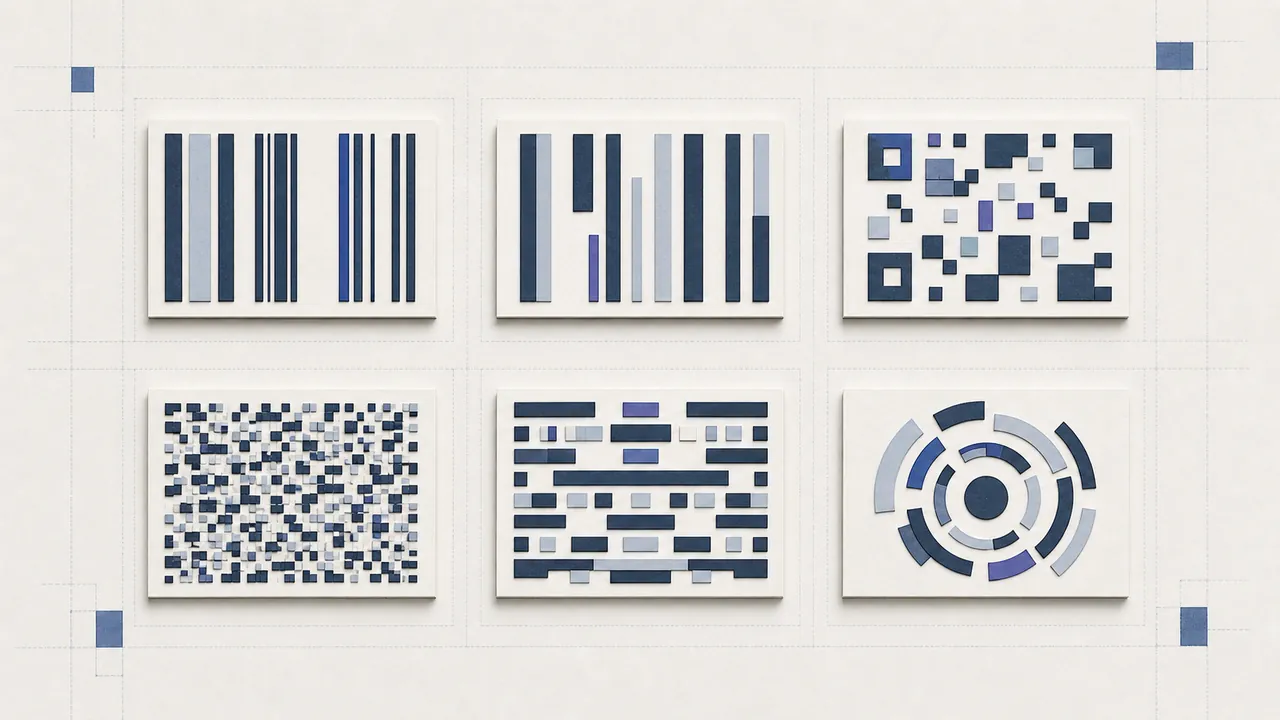
Start with the receiving system
The correct choice among types of barcodes is the format the receiving scanner and software require. Data capacity, label space, and visual preference come second. A supermarket may demand an assigned GTIN in UPC-A or EAN-13. A warehouse may define Code 128. A consumer camera may expect QR. A component-marking system may be built around Data Matrix.
Never substitute a similar-looking symbol. The same text in two barcode formats is not operationally equivalent if the reader has only one enabled.
UPC-A
UPC-A is a 12-digit linear retail format commonly used in North America. It carries GTIN-12 and includes a modulo-10 check digit. Use it only with an authorized product identifier. It needs width, side quiet zones, appropriate magnification, and a retailer database mapping the number to product data.
Choose UPC-A when the trading partner explicitly asks for it. Do not use it for arbitrary inventory text or website links.
EAN-13
EAN-13 is a 13-digit linear retail format widely used internationally and commonly carries GTIN-13. Its operational model resembles UPC-A: assigned number, check digit, compliant print, and catalog onboarding. Leading zeroes and exact digit count matter.
Choose EAN-13 according to the market and retailer specification, not merely because a database stores 13 digits.
Code 128
Code 128 is a dense linear symbology for printable ASCII and is useful for internal inventory, shipping, work orders, and asset labels. It can encode letters and punctuation, and its code sets make numeric runs efficient. The organization defines the identifier convention and uniqueness.
Long values make the symbol wide. Use a stable record key rather than changeable product facts. Code 128 is not Code 39 and is not automatically accepted at consumer checkout.
QR Code
QR is a 2D barcode with three corner finder patterns and broad phone-camera support. It suits URLs, plain text, contact details, Wi-Fi, and consumer interactions. Static codes store data directly; dynamic products place a managed redirect in the payload.
Choose QR when recipients use phones or when varied data and compact square placement matter. Preserve the four-module quiet zone and test customized designs.
Data Matrix
Data Matrix is a compact 2D symbol with a solid L-shaped finder border. It is common in manufacturing, healthcare, electronics, and direct-part marking. Specialized application standards may define payload syntax and print verification.
Choose Data Matrix for a controlled reader ecosystem or small components, not simply because it resembles QR.
PDF417
PDF417 is a stacked barcode capable of carrying larger document or identification payloads. It appears in some licenses, transport records, and specialized forms. The name does not mean it stores a PDF file.
Official workflows specify exact fields and may include authenticity controls outside the symbol. A generic generator cannot create an authorized credential.
Aztec
Aztec code is a 2D format centered on a bullseye finder and can work with constrained surrounding space. It is used in some tickets and transport applications. Do not cover the center or assume any rendered string is a valid fare.
Decision checklist
Ask: Which symbologies are enabled? Is the value assigned or internally defined? Does data need letters? How much label width exists? Will phones scan it? Is an industry data syntax required? What material and distance apply? Does the workflow need formal verification?
Use the barcode generator only after those answers, and compare a sample through the barcode scanner and real receiving software.
Which barcode type should I use?
For a new project, write a decision record naming the business action, data owner, value length and characters, receiving devices, parser, label area, print method, environment, lifetime, and partner specification. Compare the types of barcodes against that record instead of choosing from appearance.
Run a pilot with valid, invalid, shortest, longest, damaged, duplicated, and expired examples. Confirm the reader identifies the expected format and the application rejects data that is optically valid but operationally wrong. Record device models and scanner configuration so a rollout can reproduce the result.
Avoid format proliferation
Supporting many barcode formats increases configuration, training, template, and troubleshooting work. Standardize each workflow on the fewest formats that meet its needs. Do not print QR, Code 128, and a retail symbol together unless each serves a distinct reader and has enough separation to avoid accidental scans.
Review the choice after a new retailer, printer, device fleet, or regulation enters scope. Types of barcodes are stable technical standards, but acceptance rules change. A decision log explains why one format was selected and what evidence would justify changing it.
Migration planning
When replacing a legacy format, inventory labels and readers, enable the new symbology in a controlled area, test parsing, train operators, and retain rollback. Mixed populations can persist for years. Never relabel assets without preserving their identity and history.
Reassess the types of barcodes whenever the receiving workflow changes materially.