
How to Make a QR Code Scannable: Design Best Practices
Learn QR code design best practices for reliable scanning, including size, contrast, quiet zones, finder patterns, logo placement, color and print testing.
Start from a plain baseline
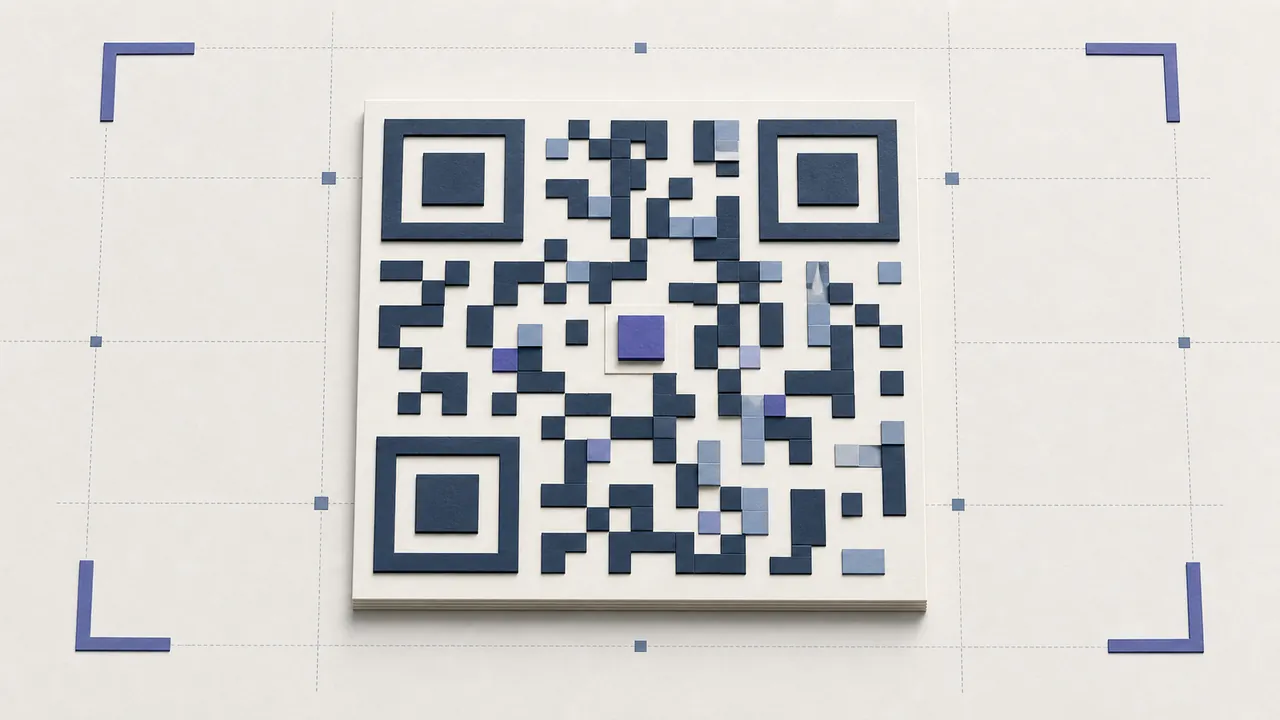
The most reliable answer to how to make a QR code scannable is to begin with dark modules on a light background, a complete quiet zone, real final content, and no logo. Scan that baseline. Add design changes one at a time and retest after each. This makes the cause visible when recognition slows.
No design can be labeled “100% scannable.” Cameras, reader software, distance, light, print, material, damage, and payload density vary. Approval belongs to the exact production artifact and target environment.
Preserve contrast
Use a foreground much darker than the background. Black on white is the baseline; a dark brand color on white can work. Avoid pale modules, transparent backgrounds over photographs, reflective metallic inks, gradients that fade toward white, and low-opacity effects.
Reverse designs with light modules on dark backgrounds are less consistently handled. If brand use requires one, test broadly and retain a conventional fallback for critical access.
Protect finder patterns and quiet zone
The three large corner squares help a scanner locate and orient the matrix. Do not cover, crop, round beyond recognition, or merge them into a frame. Keep decorative elements outside the matrix.
The quiet zone is blank space around the symbol. DENSO WAVE's outline calls for four modules around standard QR. Text, borders, other codes, and dark imagery should not enter it. Treat it as part of the printable QR code, not optional padding.
Use logos carefully
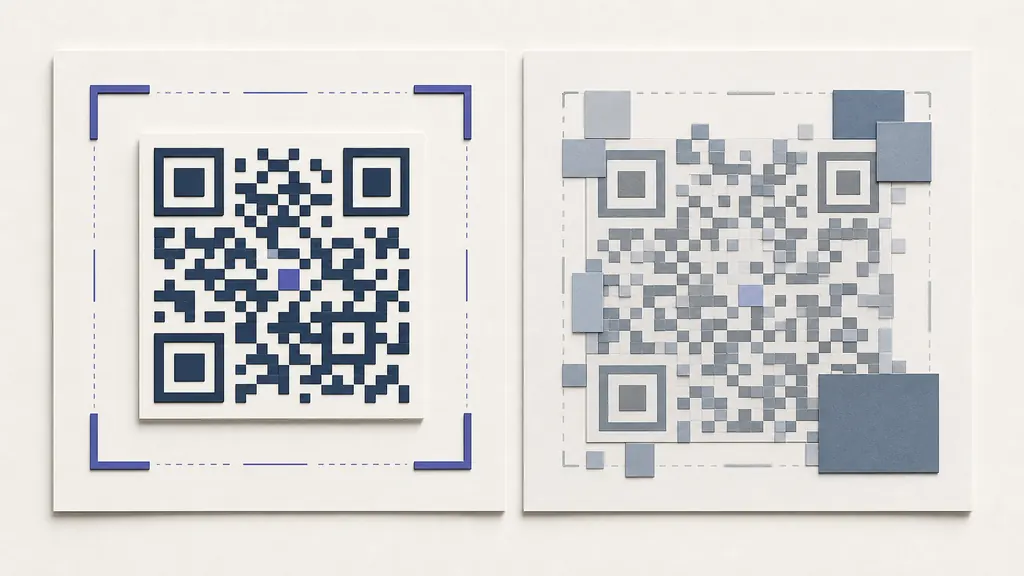
A centered logo covers data modules. Keep it modest, give it a light backing, and use an error-correction level appropriate to the obstruction. Higher correction adds redundancy but also density. It cannot recover covered finder patterns or an oversized center.
Test the actual uploaded logo, not a placeholder. Fine detail, transparency, and irregular edges can change the covered area. For safety, provide a plain version anywhere the QR is the only access path.
How small can a printed QR code be?
There is no universal minimum because versions contain different module counts. A short URL needs fewer modules than a long vCard. At equal outer size, the denser symbol has smaller features. Printer resolution, paper absorption, coating, camera focus, and scan distance further change the answer.
Many teams start around 25–30 mm for a simple hand-held use, but this is only a test point. Increase size for long payloads, logos, low-quality printers, posters, windows, older devices, or long viewing distance. Use the final scan test as the acceptance condition.
Keep data short
Shorten long URLs by using a concise path on a domain you control. Remove unnecessary query parameters. For documents and paragraphs, host the content and encode a URL rather than filling the matrix with bytes. Less data often creates a smaller version and larger modules at the same print dimension.
Do not use an unreliable third-party shortener merely to reduce density. A failed domain makes every physical code useless.
Export correctly
Use SVG for professional print because vector edges remain sharp when scaled. Use a sufficiently large PNG for digital documents and ordinary office output. Never use a screenshot of the preview. Preserve square aspect ratio and prevent layout or PDF software from downsampling the symbol.
Test the production context
Print with the actual printer, ink, stock, coating, and finishing. Scan after cutting, folding, laminating, or applying to a curved surface. Try representative Android and iOS phones and the actual enterprise reader. Test normal distance, angle, motion, bright light, and dim light.
For a large run, sample early, middle, and late output. Thermal dead pixels and press drift can affect only part of production.
Troubleshooting order
If scanning is slow, enlarge the code, restore black-on-white contrast, restore the quiet zone, remove the logo, switch to the original export, shorten the payload, and inspect print quality. Change one variable at a time. Use the custom QR generator for controlled styling and the print QR guide for production checks.
QR code design best practices checklist
Create a specification recording payload class, minimum active size, quiet zone, colors, logo maximum, error correction, allowed frames, export format, printer assumptions, and target scan distance. Review campaigns against the same QR code design best practices rather than relying on memory.
Approve the densest real payload in each template. A short placeholder may use fewer modules and conceal a size problem. Keep known-good exports and production samples so failures can be compared with a control.
Accessibility and context
State what scanning does and provide an alternative link or instruction. Do not place essential safety, legal, menu, or payment access exclusively behind the symbol. Maintain enough context for a person to judge the owner and expected destination before scanning.
Release sign-off
Have a second reviewer decode the final download, layout proof, and physical sample. Compare the payload, inspect the destination in a signed-out mobile session, and record devices and conditions. Repeat after material, printer, coating, size, logo, or payload changes. This evidence is how to make a QR code scannable with defensible confidence without an absolute guarantee.