
QR Code Size Guide for Print and Scanning Distance
Choose the right QR code dimensions and minimum print size using scan distance, module density, quiet zone, DPI, material and final-production testing.
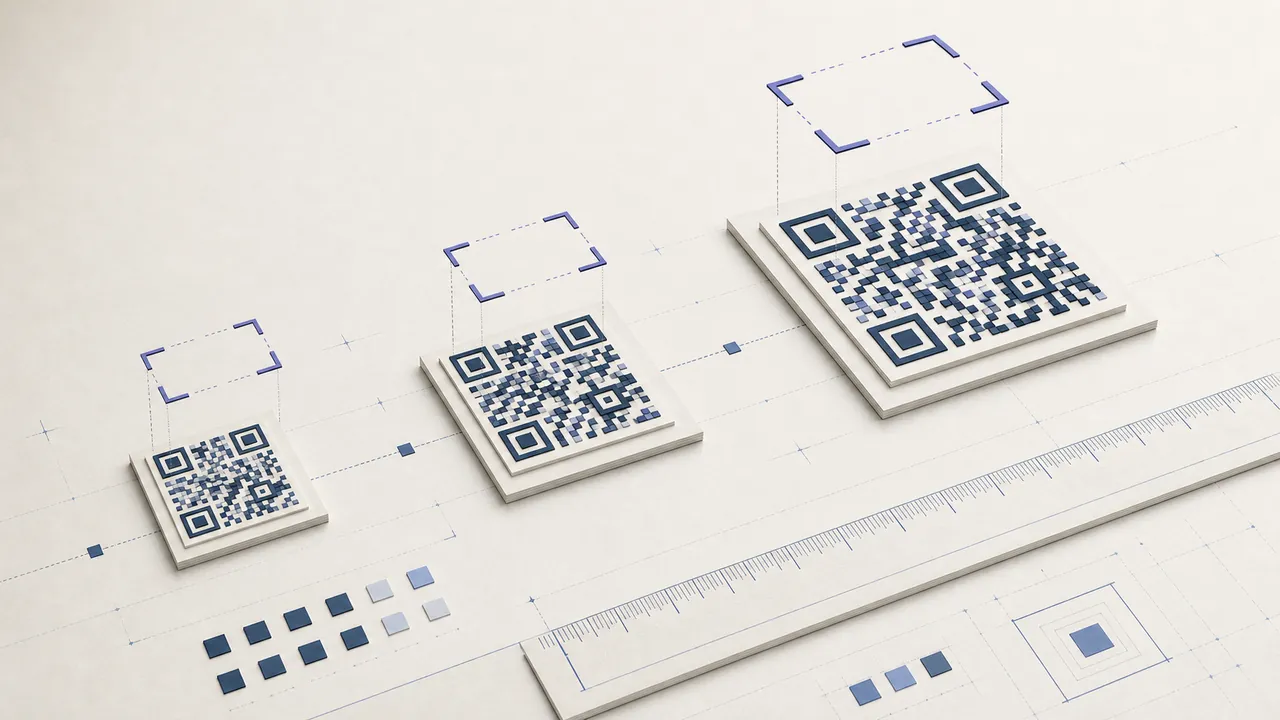
There is no universal minimum
The right QR code size depends on how many modules the payload needs, the physical size of each module, scanning distance, camera optics, print resolution, material, contrast, and damage margin. A short URL in a plain code can work smaller than a long vCard with a logo. Treat any single minimum QR code size quoted without those conditions as a starting point, not a guarantee.
DENSO WAVE documents standard QR versions from 21 by 21 modules to 177 by 177. Higher versions add modules as data and error correction increase. At the same overall dimension, every module becomes smaller.
What size should a QR code be for print?
Start from the expected viewing distance and produce a conservative proof. For a hand-held card or label, many teams begin around 25–30 mm for a simple code, then adjust after testing. Posters, windows, and signs need to grow substantially with distance. Dense data, low-resolution printers, glare, and older cameras require more margin.
The acceptance criterion is not a nominal millimeter value. It is reliable scanning of the final payload on the final material from the real position using representative devices.
Measure modules, not just the outer square
Count the modules across the matrix or determine its version. Divide the active symbol width by that count to estimate module size. Then include the quiet zone outside the active matrix. A layout that reports a 25 mm image may give less usable matrix width if a frame, label, or crop has consumed the margin.
Do not resize to a fractional raster grid that blurs module edges. SVG avoids source pixelation, while the printer still needs enough device dots per module. If using PNG, export at an integer-friendly high resolution and prevent office software from resampling it.
Scanning distance
As distance grows, the code occupies fewer camera pixels. Increase it for wall posters, stage screens, vehicle signs, and storefront windows. Test from the actual standing point, including off-axis positions. A code that works when a designer walks close is not approved for the intended audience.
Camera zoom is not a substitute for adequate size. Digital zoom can magnify blur. Environmental light, motion, and autofocus time worsen long-distance scanning.
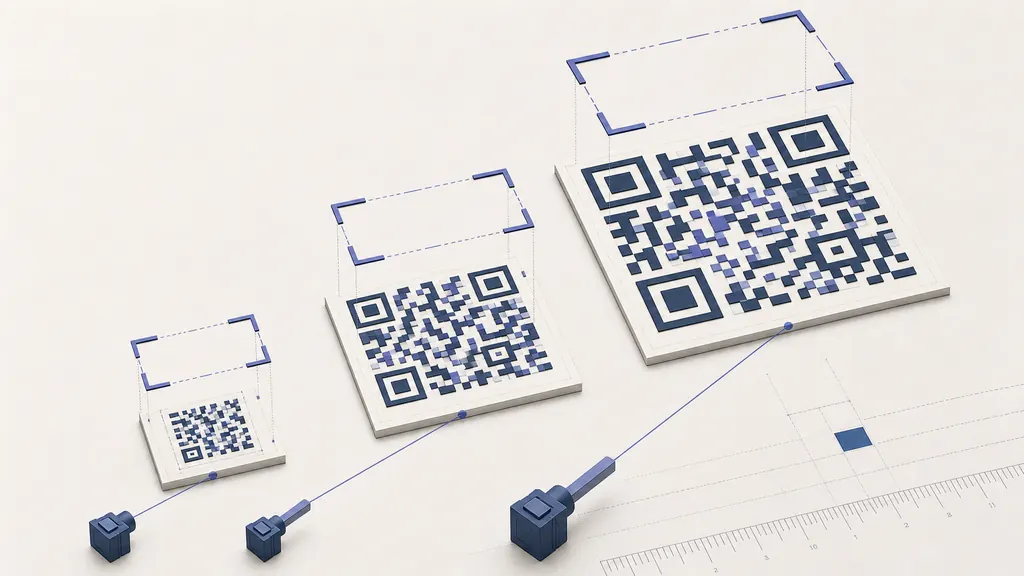
Quiet zone and nearby design
Standard QR needs a clear margin around all sides. Preserve it as a uniform light field. Text, borders, photographs, other codes, and dark table-card backgrounds can interfere with detection when placed too close. The quiet zone scales with modules, so cropping it is especially damaging to a small symbol.
Frames may surround the code only outside that functional space. Keep calls to action legible but visually separate.
Logos, correction, and density
A logo covers modules and higher error correction adds redundant data, often increasing density. The resulting design may need a larger physical size than the plain baseline. Keep the logo centered and modest, never cover finder patterns, and test the densest payload variant rather than an easy placeholder.
If size is constrained, shorten a URL, remove tracking parameters, avoid embedding long text, and link to hosted content. Reducing payload is often safer than forcing a dense matrix into a fixed space.
Materials and printers
Thermal receipt output can fade and show missing dots. Uncoated stock can spread ink. Gloss creates reflections. Fabric stretches, bottles curve, and outdoor signs collect dirt. Each factor changes the practical QR code size. Print on the actual equipment and material, then test after cutting, laminating, folding, or application.
For critical or large production, sample across the run and consider formal verification. Keep a print QR code proof and retest when the payload or design changes.
Build a size test sheet
Place the real code at several candidate dimensions on one sheet, label each dimension outside its quiet zone, and print at 100% scale. Test from the expected distance with representative phones. Begin with the smallest candidate and record first-pass recognition rather than retrying until it works.
Repeat with the densest payload, logo variant, lowest-contrast approved color, and worst production stock. The resulting minimum QR code size is specific to that controlled design. Add safety margin before setting the template standard.
Size for screens
Digital signs and presentation slides also need sufficient QR code size. Test from the back of the room, at the displayed resolution, through the actual playback system. Compression, video scaling, projector focus, motion, and limited display brightness can blur modules that looked sharp in a source file.
Leave the code visible long enough for a user to unlock a phone, open a camera, focus, review the banner, and act. A large symbol that appears for one second is not usable. Provide a readable URL on the same slide.
Document the standard
Record active width, total width including quiet zone, version or module count, error correction, maximum payload class, export format, output resolution, material assumptions, and scanning distance. This converts a one-time QR code size experiment into a repeatable print rule.