
GS1 Barcode Guide: GTINs, Prefixes, Assignment, and Printing
Learn how GS1 GTINs, company prefixes and product identifiers are obtained, assigned, encoded, printed and verified—and what a barcode generator cannot provide.

What “GS1 barcode” means
A GS1 barcode combines an authorized GS1 identification key with an approved data carrier and application rules. For retail products, the key is commonly a GTIN and the carrier may be UPC-A or EAN-13. Logistics and healthcare workflows can use other GS1 symbols and application identifiers.
A generic GS1 barcode generator cannot allocate ownership. It can render supplied data, while a GS1 Member Organisation and the product owner govern identifier assignment.
How to get a GS1 barcode for a product
- List target retailers, marketplaces, countries, product variants, and packaging levels.
- Contact the relevant GS1 Member Organisation and choose an allocation route.
- Obtain a company prefix or individual GTINs according to that program.
- Assign each trade item under current GTIN management rules.
- Record ownership, description, variant, status, and check digit in a product master.
- Render the value in the carrier required by the receiving partner.
- Verify the production symbol and send product data through each onboarding process.
The order matters. Printing first and seeking a number later risks conflicts, rework, and rejected listings.
Company prefix and item reference
A GS1 Company Prefix is allocated by a GS1 Member Organisation and forms part of identifiers the licensee creates. Prefix length and capacity vary. The item reference is assigned by the owner under GS1 rules, and a calculated check digit finishes the GTIN.
Do not infer a product's manufacturing country from prefix digits. Do not buy unexplained “cheap UPCs” without checking marketplace acceptance, ownership, and licensing consequences.
GTIN lengths and carriers
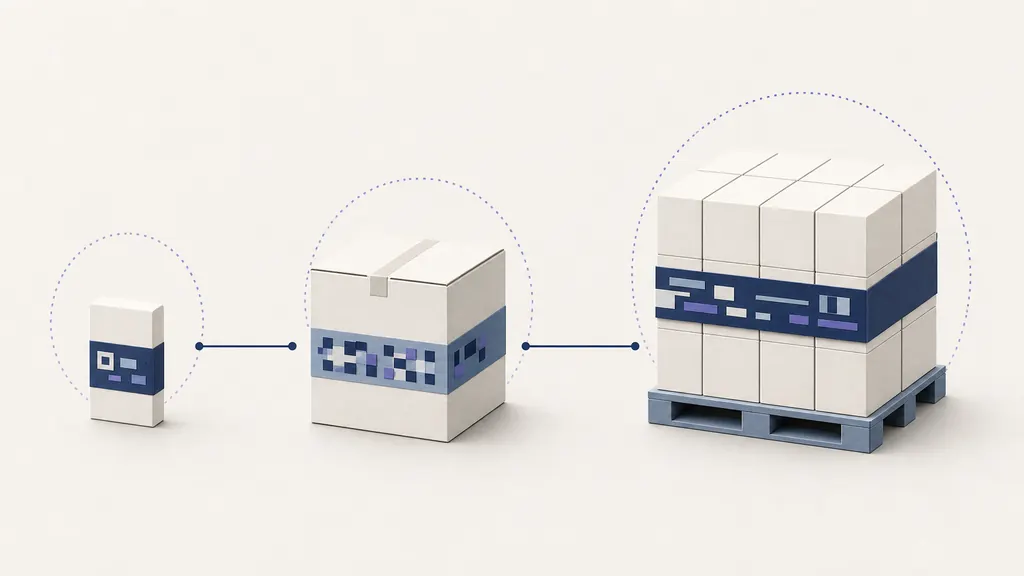
GTINs may contain 8, 12, 13, or 14 digits. UPC-A carries GTIN-12; EAN-13 carries GTIN-13. GTIN-14 is often used for packaging levels and may be represented in a carrier chosen by the logistics workflow. Database padding to 14 digits is not automatically the printed format.
Every GTIN has a final modulo-10 check digit. This catches many typing errors but does not show legitimate assignment. QRBarcode can calculate or validate the check digit for supported UPC-A and EAN-13 rendering.
Product registration is separate
After assignment, retailers still need product data. Names, dimensions, images, ingredients, prices, and availability live in catalogs, data pools, seller portals, or internal databases. A scanner returns the key; software retrieves attributes.
A third-party lookup may be incomplete. not_found does not prove an authorized new number is invalid, while found does not authenticate a physical item. Use official or partner-specific sources for important decisions.
Print and verification
Follow the receiving specification for symbol, magnification, bar height, quiet zones, colors, placement, and quality grade. Avoid seams, folds, curves, transparent backgrounds, red bars, low contrast, and horizontal compression. Produce a sample through the real press and packaging process.
A phone scan is a useful functional check but may not provide the formal ISO/IEC print-quality grade a partner requires. Use appropriate verification equipment and retain reports where mandated.
What QRBarcode can do
QRBarcode renders an existing GTIN-12 as UPC-A and an existing GTIN-13 as EAN-13, validates their structure, and provides a best-effort UPCitemdb lookup. It is not an official GS1 barcode generator, does not sell a GS1 barcode number, and cannot register products or guarantee acceptance.
Use barcodes for products for workflow guidance and barcode lookup for clearly sourced, non-authoritative catalog results.
Variant and packaging governance
Create an approval workflow for every new product, flavor, size, color, quantity, bundle, and packaging level. The product owner decides whether current GS1 rules require a new GTIN, records the rationale, and prevents reuse. A designer receives an approved identifier rather than choosing one from prior artwork.
Store the GS1 barcode number as text, restrict editing, and preserve leading zeroes. Link every artwork file and catalog submission to the same product record. Require a second-person digit comparison before release.
Supplier and marketplace coordination
Contract manufacturers, printers, distributors, and marketplaces may each hold a copy. Define which party owns assignments, who can request changes, and how obsolete art is withdrawn. A marketplace rejection should be investigated against its current policy rather than “fixed” by purchasing another unexplained number.
When partners ask for a GS1 barcode, clarify whether they mean a GTIN, a carrier, a verification report, or product registration. These are different deliverables. A GS1 barcode generator addresses only artwork after the valid key and syntax exist.
Verification record
Keep production samples, grades where required, printer and material details, artwork version, and receiving tests. Retest after package shape, color, coating, printer, or identifier changes. This evidence explains why QRBarcode never claims to be an official GS1 barcode generator: allocation, licensing, management, and partner acceptance sit outside browser rendering.